
Leave policies that enforce themselves
Configure any leave type once — accruals, carry-forward, encashment, probation rules — and let DataqHR keep every balance correct. Employees apply in seconds; managers approve in one tap.
- Monthly or annual accrual
- Comp-off ledger
- Holiday calendars
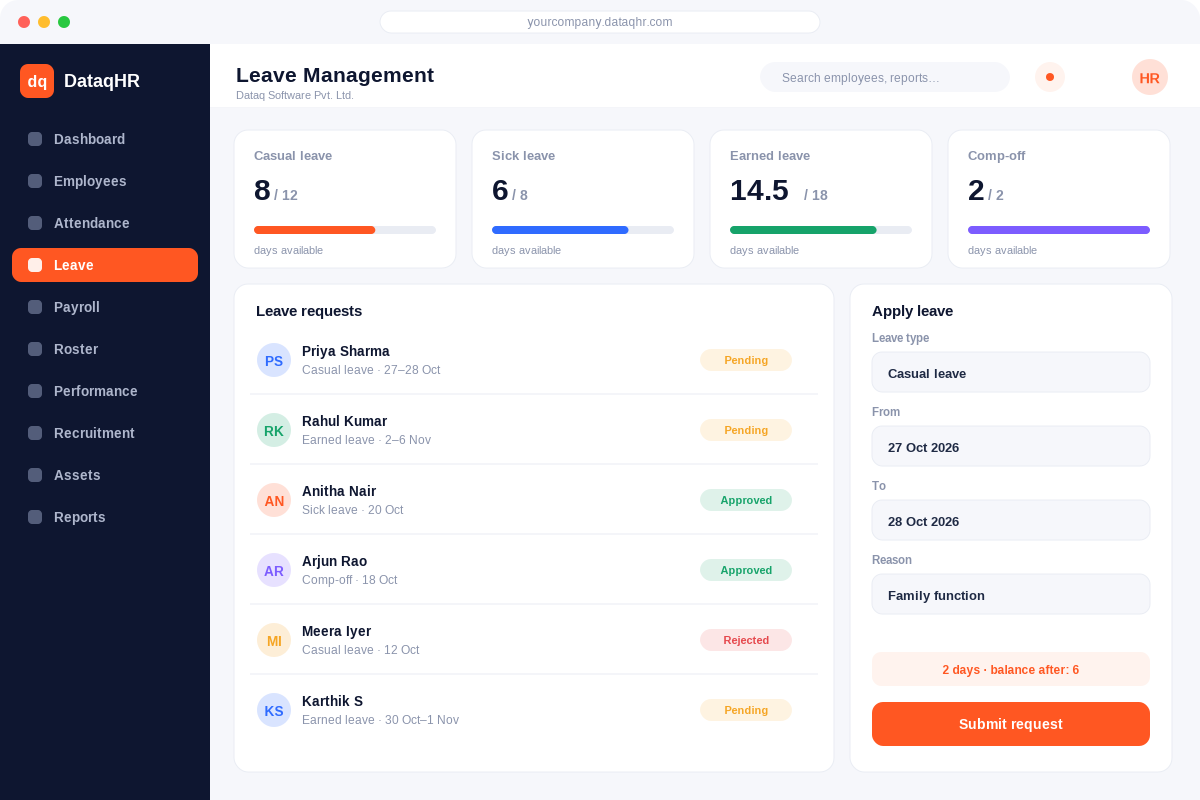
Why teams move their leave management to DataqHR
What changes on day one — and what you can stop doing.
😩 Without DataqHR
- ✕Leave balances tracked in spreadsheets
- ✕Policies applied inconsistently
- ✕Comp-off forgotten or disputed
- ✕Approvals lost in WhatsApp chats
🚀 With DataqHR
- ✓Balances updated automatically and visible to all
- ✓Rules enforced per leave type, location and probation
- ✓Comp-off ledger with caps and expiry
- ✓Structured approvals with notifications
Handle every leave rule without spreadsheets
Unlimited leave types
Casual, sick, earned, maternity, paternity, comp-off, WFH, on-duty — with your own names and rules.
Monthly or annual grants
Credit leave annually or every month, with expiry, probation eligibility and pro-rata for new joiners.
Carry-forward & encashment
Set carry-forward limits and encashment rules; balances settle automatically at year end or exit.
Approval workflows
Route requests to reporting managers; approve or reject from web, mobile or the dashboard.
Holiday calendars
Location-wise holiday lists and optional holidays shown to the right employees.
Balances & history
Every credit, debit, adjustment and settlement is logged, with duplicate-request warnings.
Apply, track and plan leave from anywhere
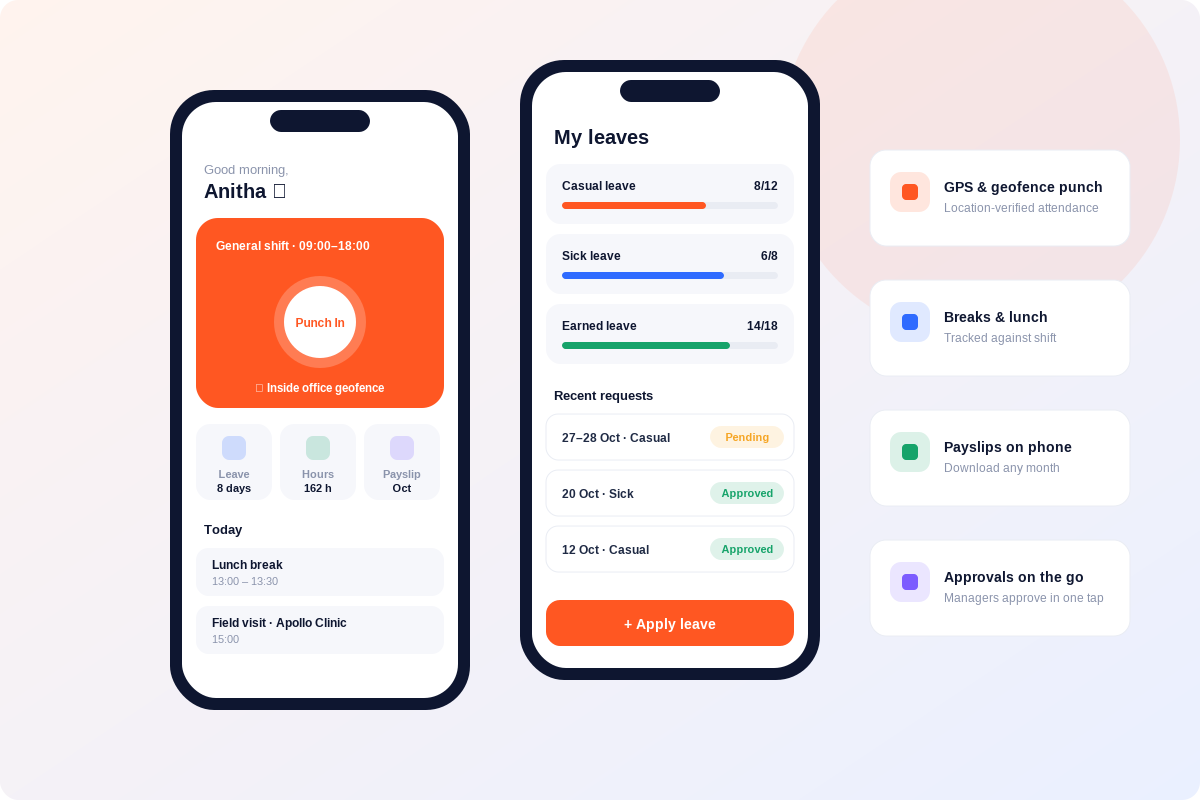
Employees see their balance before applying, choose full or half day, and track status in real time on the DataqHR app.
- Live leave balance by type
- Half-day and multi-day requests
- Team leave calendar to avoid clashes
- Push and email notifications
Balances that are always right
DataqHR reconciles attendance and leave so balances reflect reality. Run leave assignment anytime — manual grants and history are preserved.
- Leave assignment with warnings for review
- Bulk leave upload from Excel
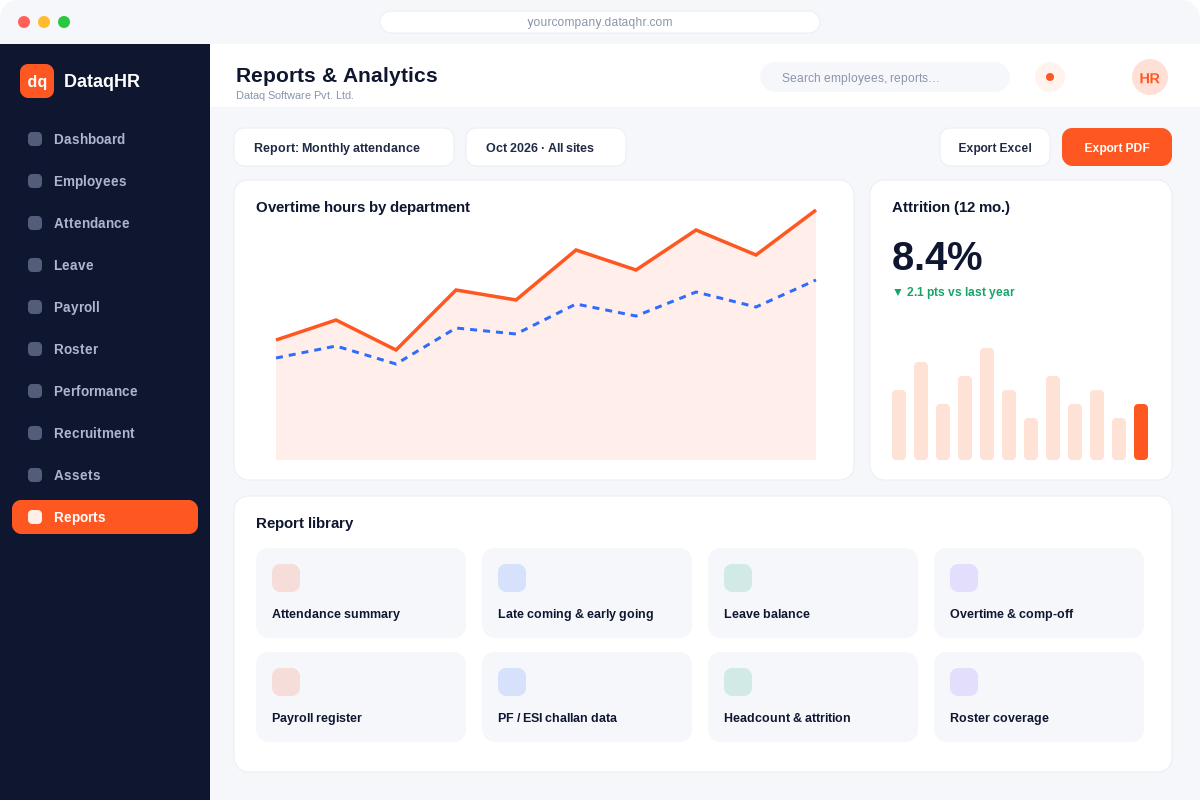
- Leave reports and monthly summaries
- Leave lifecycle settlement on exit
How Leave Management helps everyone in your company
For HR & Admin
Less admin, more accuracy- Configure any policy once
- Monthly/annual grants run automatically
- Year-end carry-forward & encashment
For Managers
Faster decisions & approvals- Team leave calendar to plan cover
- Approve from web or mobile
- Avoid clashes on busy days
For Employees
Self-service on any device- Apply full/half day in seconds
- See balance before applying
- Track status in real time
Why 5,000+ employees run on DataqHR
Eight reasons growing businesses in India and worldwide choose DataqHR over spreadsheets and legacy HR tools.
Compliance built in
SOC 2, ISO 27001 & GDPR security plus Indian payroll compliance — PF, ESI, PT, TDS, gratuity.
Mobile-first for every employee
Native Android & iOS apps with geofenced punch, breaks, leave, payslips and approvals.
Shift & roster ready
Night duties, rotating shifts, duty groups, OT and comp-off — made for 24x7 teams.
Everything connected
Attendance → leave → payroll in one database. No exports, no re-typing.
Configurable, no code
Department rules, benefit policies, roles, table columns and branding — your way.
Hands-on onboarding
We import your data, set up policies and train HR and managers.
Affordable pricing
From ₹30 per employee per month. Transparent pricing, cancel anytime.
Secure by design
Role-based access, isolated company workspace, audit trail and encrypted traffic.
Leave Management — frequently asked questions
Can DataqHR handle different leave policies for different employees?
Yes. Leave types and rules can vary by department, location, employment type or probation status.
Does it support monthly leave accrual?
Yes. Leave can be credited annually or monthly, with optional expiry of unused monthly credits.
How does comp-off work?
When employees work on a weekly off or holiday, DataqHR records comp-off in a ledger according to your benefit policy, with caps and expiry. Employees can then apply comp-off like any other leave.
Can employees apply for half-day leave?
Yes. Employees can apply for full or half days, and the balance updates accordingly.
Is leave connected to payroll?
Yes. Unpaid leave becomes loss of pay automatically, and leave encashment is included in payroll or full and final settlement.
See DataqHR Leave Management in action
Book a 30-minute walkthrough tailored to your policies. We help you set up and migrate your data.